
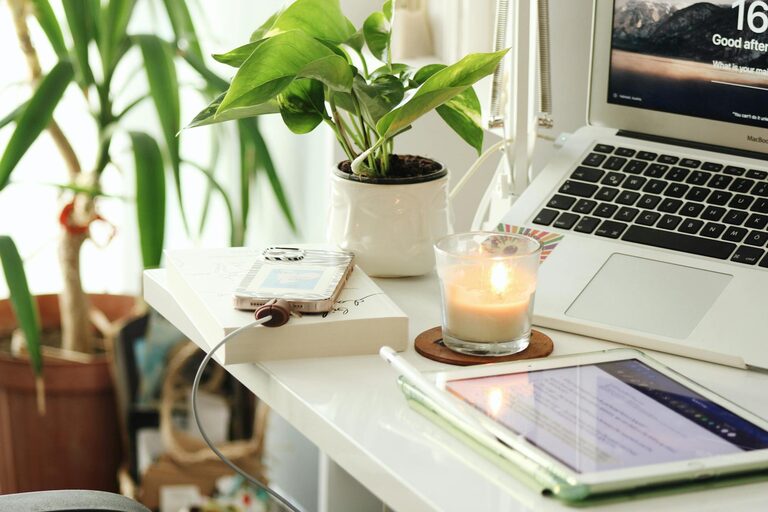
Creating a cozy and productive home workspace is essential for anyone working remotely or spending significant time on personal projects at home. A well-designed workspace supports focus, enhances comfort, and helps separate work time from relaxation. Whether you have a dedicated room or a small corner, these tips will help you set up an inviting and effective area to get things done.
Choose the Right Location
Finding the ideal spot for your workspace is the first step. Choose a place with minimal distractions, good natural light, and enough room for the essentials.
– Natural Light: Position your desk near a window if possible. Natural sunlight boosts mood and energy.
– Quiet Area: Pick a location away from household noise or high traffic to maintain focus.
– Space Considerations: Ensure you have enough room for your computer, supplies, and space to move comfortably.
Invest in Comfortable Furniture
Comfort is key when you’ll be sitting for hours. Select furniture that supports good posture and allows for movement.
– Ergonomic Chair: A chair with adjustable height, good back support, and comfortable cushioning helps avoid back strain.
– Functional Desk: Your desk should be the right height and offer enough surface area for work materials.
– Consider a Standing Desk: To reduce sedentary time, try a desk that can adjust for standing and sitting.
Organize Your Workspace Efficiently
Clutter can hinder productivity. Creating an organized workspace encourages focus and saves time.
– Declutter Regularly: Keep only necessary items on your desk.
– Storage Solutions: Use shelves, drawers, or bins to store supplies neatly.
– Cable Management: Use clips or sleeves to keep cords tidy and avoid tangling.
Personalize Your Space
Adding personal touches can make your workspace feel more welcoming and inspire creativity.
– Decorate with Plants: Indoor plants improve air quality and add a natural feel.
– Inspiring Art or Photos: Hang or place images that motivate or bring you joy.
– Color Choices: Use colors that uplift or calm you, such as soft blues or warm tones.
Control Lighting and Screen Glare
Adequate lighting reduces eye strain and keeps you alert.
– Task Lighting: Add a desk lamp for focused light during evening hours.
– Adjust Screen Brightness: Balance screen brightness with ambient light to avoid fatigue.
– Use Curtains or Blinds: Control natural light to reduce glare on your monitor.
Create a Routine and Boundaries
Your workspace setup also involves habits that encourage productivity and mental well-being.
– Designated Work Hours: Set clear start and end times to maintain work-life balance.
– Breaks and Movement: Incorporate short breaks to stretch and refresh your mind.
– Limit Non-Work Items: Avoid mixing your workspace with leisure activities to keep focus.
Incorporate Technology Wisely
Technology can streamline tasks but also become a distraction if not managed well.
– Reliable Equipment: Invest in a computer, internet connection, and accessories that meet your needs.
– Noise-Cancelling Headphones: Useful for blocking background noise when needed.
– Productivity Tools: Use apps or timers to organize work sessions and deadlines.
Maintain Air Quality and Comfort
The environment affects your ability to concentrate and feel comfortable.
– Ventilation: Keep windows open when possible to allow fresh air circulation.
– Temperature Control: Use fans or heaters to maintain a comfortable temperature.
– Aromatherapy: Lightly scented candles or essential oils can create a relaxing ambiance.
Final Thoughts
Setting up a cozy and productive home workspace is a balance between comfort, organization, and functionality. Start with a suitable location, invest in ergonomic furniture, and personalize your space to reflect your style and needs. By incorporating these tips, you can create an environment that supports focus, reduces stress, and makes working from home a pleasant experience. Remember, your workspace should evolve as your needs change, so stay flexible and make adjustments whenever necessary.