
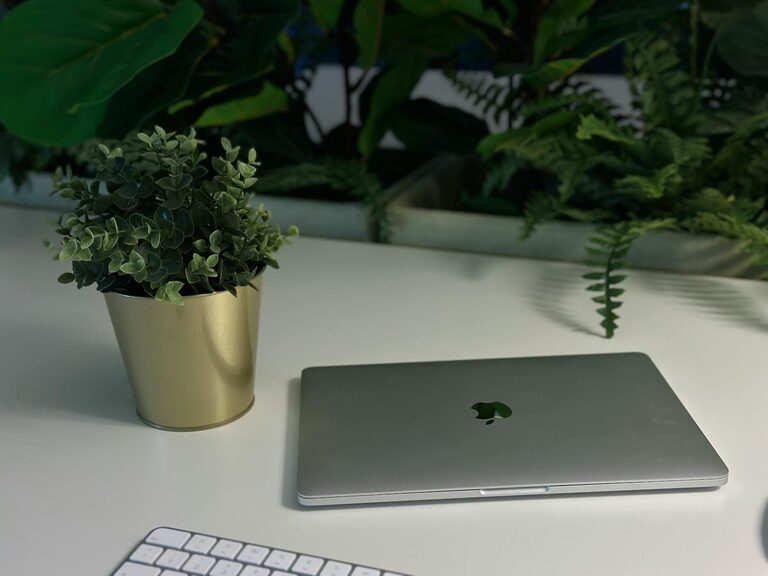
Working from home has become a norm for many, and having a well-organized workspace is key to staying productive and comfortable. Whether you have a dedicated room or a small corner, setting up an efficient home office can make your workdays more enjoyable and effective. In this post, we’ll share practical tips for organizing a productive home workspace that helps you focus and get the job done.
Choose the Right Location
Find a Quiet Spot
Select a space where you can work with minimal distractions. Ideally, choose a quiet corner or room away from household noise like the kitchen or TV area.
Consider Natural Light
Work near a window to take advantage of natural light. Sunlight can improve your mood and reduce eye strain. If natural light is limited, use a good-quality desk lamp.
Declutter and Organize Your Desk
Keep Essentials Within Reach
Limit what you keep on your desk to the essentials: your computer, notebook, pens, and a few personal items. Too many things can create visual clutter and distract you.
Use Organizers and Storage
Invest in desk organizers such as trays, pen holders, and drawer dividers. These keep supplies neatly arranged and make it easy to find what you need.
Cable Management
Tidy up your cables by using clips, ties, or a cable box. Neat cables improve the look of your workspace and prevent accidents or damage.
Choose Comfortable and Functional Furniture
Ergonomic Chair and Desk
Select a chair that supports good posture with adjustable height and lumbar support. Your desk should be at a comfortable height to prevent strain on your wrists and back.
Consider a Standing Desk
If possible, try a sit-stand desk or a desk converter. Changing positions throughout the day can help reduce fatigue and increase alertness.
Personalize Your Workspace
Add Inspiration
Place a few items that motivate you, such as photos, artwork, or plants. Plants improve air quality and add a calming touch.
Keep It Minimal
Avoid too many decorations to prevent distractions. A tidy, minimalistic space helps maintain focus.
Set Up Efficient Technology
Reliable Internet and Devices
Make sure your internet connection is stable and your computer and peripherals function well. Test your video conferencing setup regularly.
Use Dual Monitors if Needed
If your work involves multitasking or large documents, consider adding a second monitor to improve efficiency.
Manage Noise and Distractions
Use Noise-Canceling Headphones
If background noise is an issue, noise-canceling headphones can help you concentrate.
Set Boundaries
Communicate your work schedule and workspace boundaries with family or roommates to minimize interruptions.
Create a Routine and Keep Your Space Clean
Daily Clean-Up
Spend a few minutes at the end of each day clearing your desk, organizing documents, and preparing for the next day.
Regular Deep Cleaning
Once a week, do a more thorough clean to dust your equipment and tidy drawers and shelves.
Organize Your Digital Workspace
Manage Files Efficiently
Create clear folders and label files consistently to avoid wasting time searching for documents.
Use Productivity Apps
Apps for task management, calendars, and note-taking can help keep your work organized and on schedule.
Take Breaks and Move Around
Schedule Breaks
Stand up, stretch, and take short breaks every hour to avoid burnout. Use timers or apps to remind yourself to move.
Incorporate Movement
Consider brief walks or simple exercises to keep your body energized and your mind refreshed.
—
Organizing a productive home workspace is about creating an environment tailored to your needs. By choosing the right location, decluttering, investing in comfortable furniture, and setting clear boundaries, you can enhance your focus and well-being. Start implementing these tips today, and enjoy a more productive and enjoyable work-from-home experience.